/image-editing
Edited images that keep product identity, exact text and earlier approved changes.
Then type /image-editing in Claude Code, or describe the task and let it pick the skill.
What you get back recorded run · 10 Oct 2026
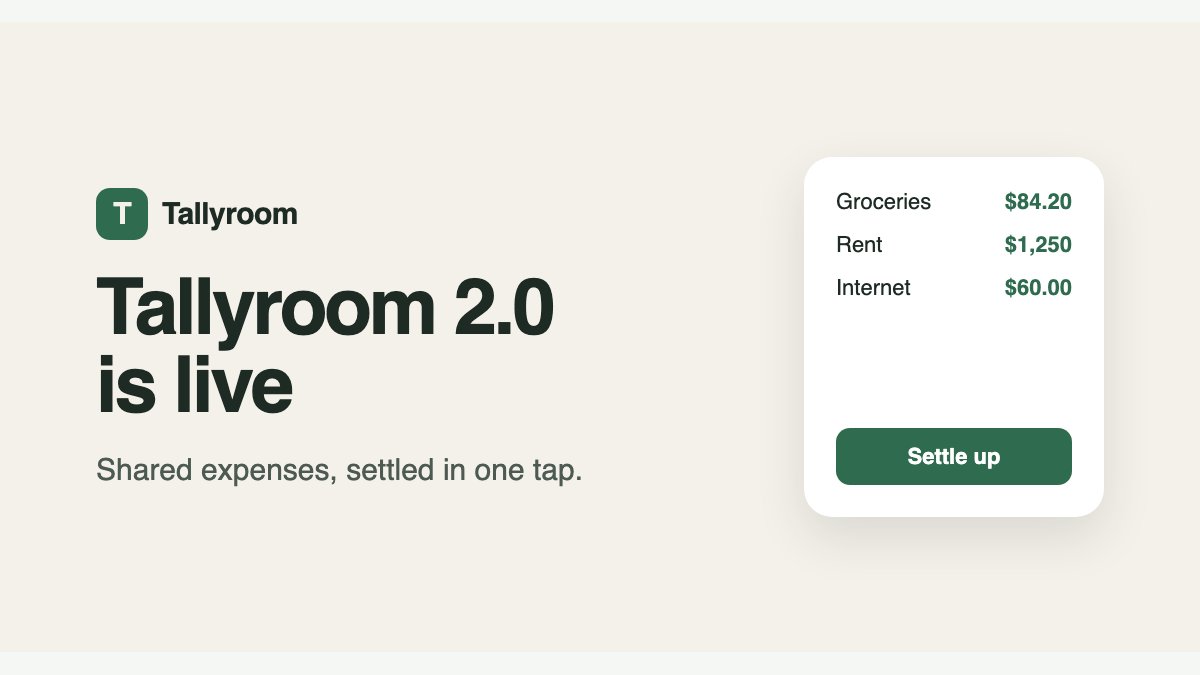
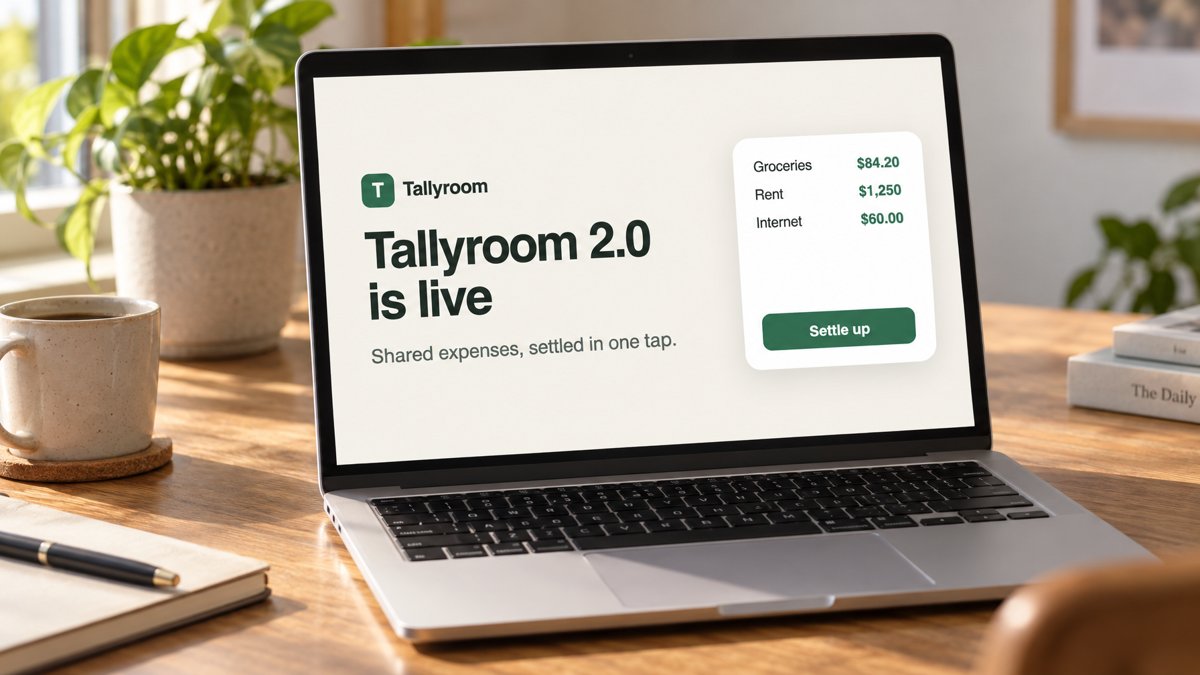
- Banner attached, not described
- Flagged a fake book title
When to use it
Use when a supplied image needs reference-based edits or successive revisions.
Skip it if no image-editing tool or API is configured; installing it grants no model access.
The thinking behind itEdited images drift away from the original. Track the references and check every revision, and the product still looks like itself.
Output contract from the skill's Deliver section
Return the image files, the model identity if exposed, which changes passed inspection, and specific unresolved defects. For a revision chain, identify the chosen base and final output. Do not claim measured fidelity, superiority, or cross-runtime compatibility without an actual recorded test.
How it checks its own work from the instructions
- Each requested change and preserved detail checked separately
- Exact copy checked with OCR and visual inspection
- Retries start from the last approved base
- Unchecked images are never labeled approved
Requirements what it needs
- Works in
- Codex, Claude Code, Cursor
- Needs
- project files, network access, files you provide
The instructions SKILL.md · 38 lines
Instructions & references
Back to overview ↑On this page 5 sections
Image editing
Requires an image-editing tool or configured API, image inspection, and access to the supplied references. Installing this skill does not provide model access.
Deliver edited images and a short report of requested changes, preserved details, and remaining defects. Follow the user's requested model, style, references, and output format.
Establish the edit
Inspect the supplied images and prior approved output before choosing a base. Distinguish the image to edit from references that establish identity, style, or layout. If a required reference is missing, request that file; do not invent its content. Infer routine details from the supplied brief rather than requiring a questionnaire.
For successive revisions, use the latest approved output as the edit base and keep the original identity reference available. Do not promote a failed draft to the new base. Read the edit record when tracking multiple references, revisions, or exact-copy requirements.
Write a compact change/preserve contract: the requested difference, details that must remain, exact text, and output dimensions. Resolve direct conflicts (such as changing a label while preserving all label text) before dependent work; continue independent inspection.
Select and use the tool
Inspect the available image tool's contract. Use its supported reference-image mechanism and editing operation. A text prompt describing a reference is not a substitute for attaching it. If using an API, verify the requested model ID, edit endpoint, supported parameters, and account access in current official documentation. Never claim that a tool selected a model when it does not expose model selection.
Use existing configured access. Do not place credentials in prompts, source files, or output logs. If editing is unavailable, return the prepared edit contract and name the missing capability; do not claim to have produced an image. A skill does not grant tool permissions or pay for model access.
Perform the requested edit within the authorized budget. Preserve original files and save revisions separately. Unless the user sets another limit, try at most two corrective revisions per requested output. Do not turn a single edit into a model comparison or batch experiment without authorization for that expanded work.
Inspect and revise
View the actual result alongside the base and identity references. Check each requested change and preserved detail separately: product shape, logo, exact copy, composition, and accumulated edits as applicable. Use OCR as supporting evidence for text; visually inspect glyphs and layout too.
When an output drifts, identify the failed constraint and retry from the last approved base with a focused correction. Stop at the retry/budget limit or when required inputs are unavailable. Never label an unchecked image approved. Distinguish agent inspection from user approval.
Deliver
Return the image files, the model identity if exposed, which changes passed inspection, and specific unresolved defects. For a revision chain, identify the chosen base and final output. Do not claim measured fidelity, superiority, or cross-runtime compatibility without an actual recorded test.
Edit record
Use this record for a sequence of edits. Paths below are illustrative; replace them with the supplied files. Keep the original and every approved intermediate output.
identity_reference: references/product-original.png
edit_base: outputs/revision-01-approved.png
style_reference: null
requested_change: Replace the background with warm gray.
preserve:
  - Bottle silhouette and cap geometry
  - Label placement and all existing text
  - Previously approved front-facing composition
exact_text: "NORTH / 250 ml"
output: outputs/revision-02.png
approval: pending
For each returned image, record:
| Check | Result | Evidence |
|---|---|---|
| Requested change | pass / fail / unchecked | What changed in the actual image |
| Identity | pass / fail / unchecked | Comparison with original reference |
| Exact copy | pass / fail / unchecked | Visual check and optional OCR |
| Prior edits | pass / fail / unchecked | Comparison with approved base |
A useful-looking draft can still fail a required constraint. Keep it labeled as a draft; do not use it as the next approved base. An inspection pass is not user approval.
Put this skill to work
Learn a workflow. Take the skill with you.
Claude app, ChatGPT and ZIP download
local coding agent required
This skill requires project files, network access, and files you provide. Uploading it to a chat app does not provide equivalent execution.
ChatGPT Skills
This workflow needs a local coding environment or capabilities that a chat-only Skills upload does not provide.
Package details
- Package
- image-editing/SKILL.md
- Author
- @tushaarmehtaa
- Added
- 9 Sept 2026
- Tags